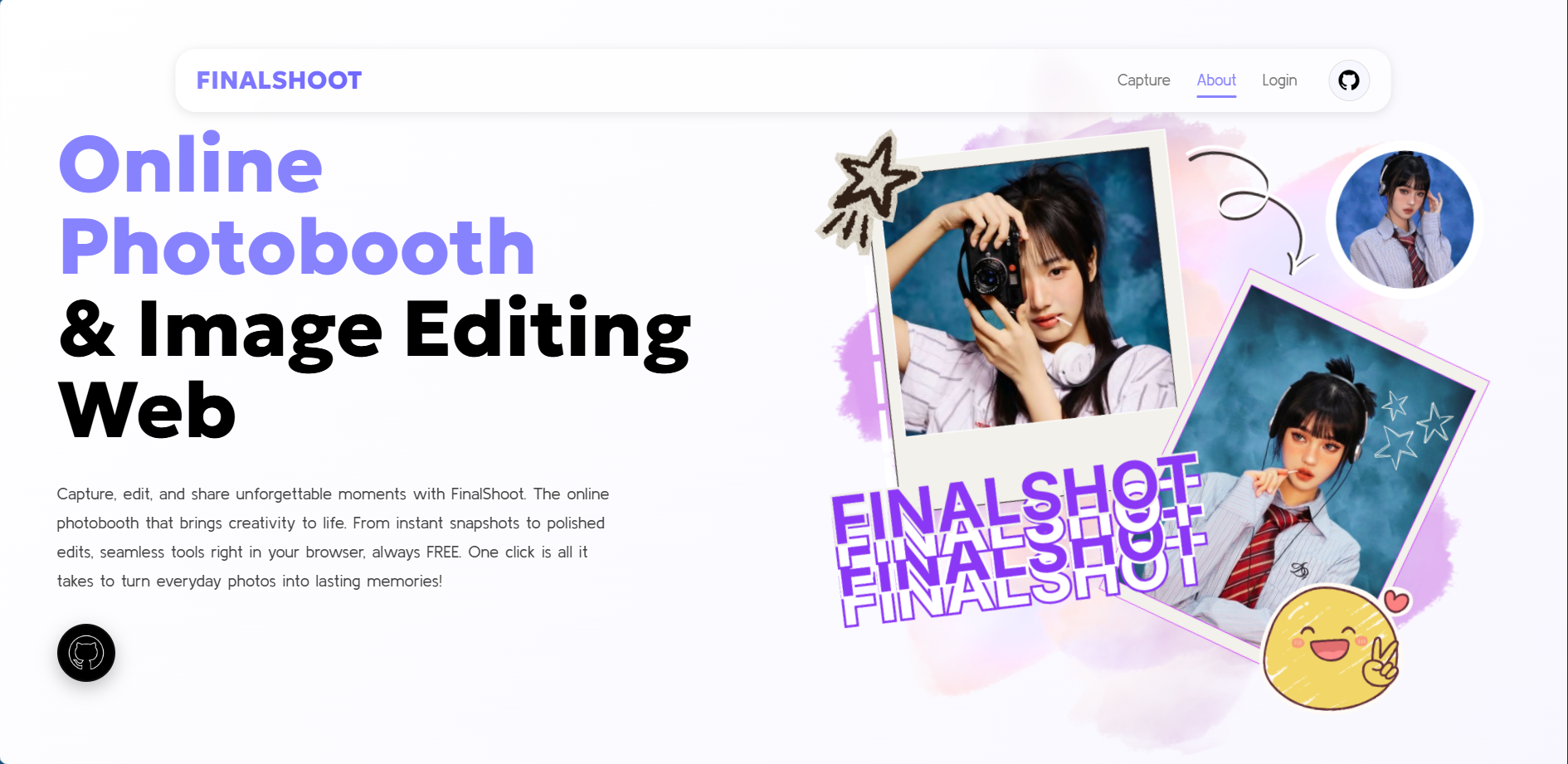
A web-based photobooth project designed to capture, customize, and prepare photos for sharing and printing.
FinalShotCam is a school web development project that transforms a laptop camera into an interactive photobooth. Users can capture photos, customize them with visual elements, reposition their photos, and prepare the final result for download or printing.
FinalShotCam is a web-based photobooth project created for a school project. The main idea was to allow users to use a laptop camera to take photos directly from the browser.
After taking a photo, users can continue editing and customizing the result before preparing the final image.
The website was designed to make the process feel like using a simple digital photobooth, starting from capturing the photo and continuing through customization.
The project also includes options for downloading the result through a QR code and preparing the image for direct printing.
The project combines several stages into one photobooth flow.
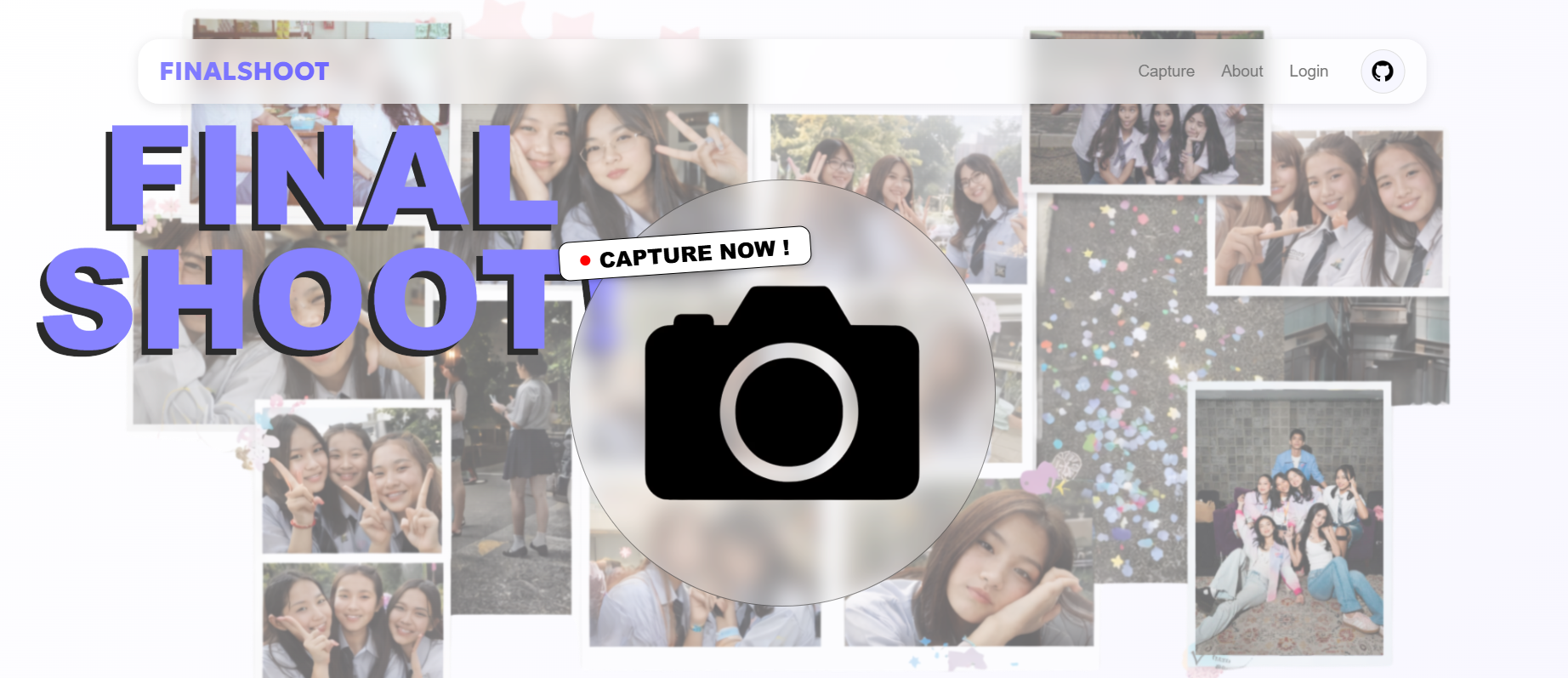
Uses the laptop camera to capture photos directly through the web interface.
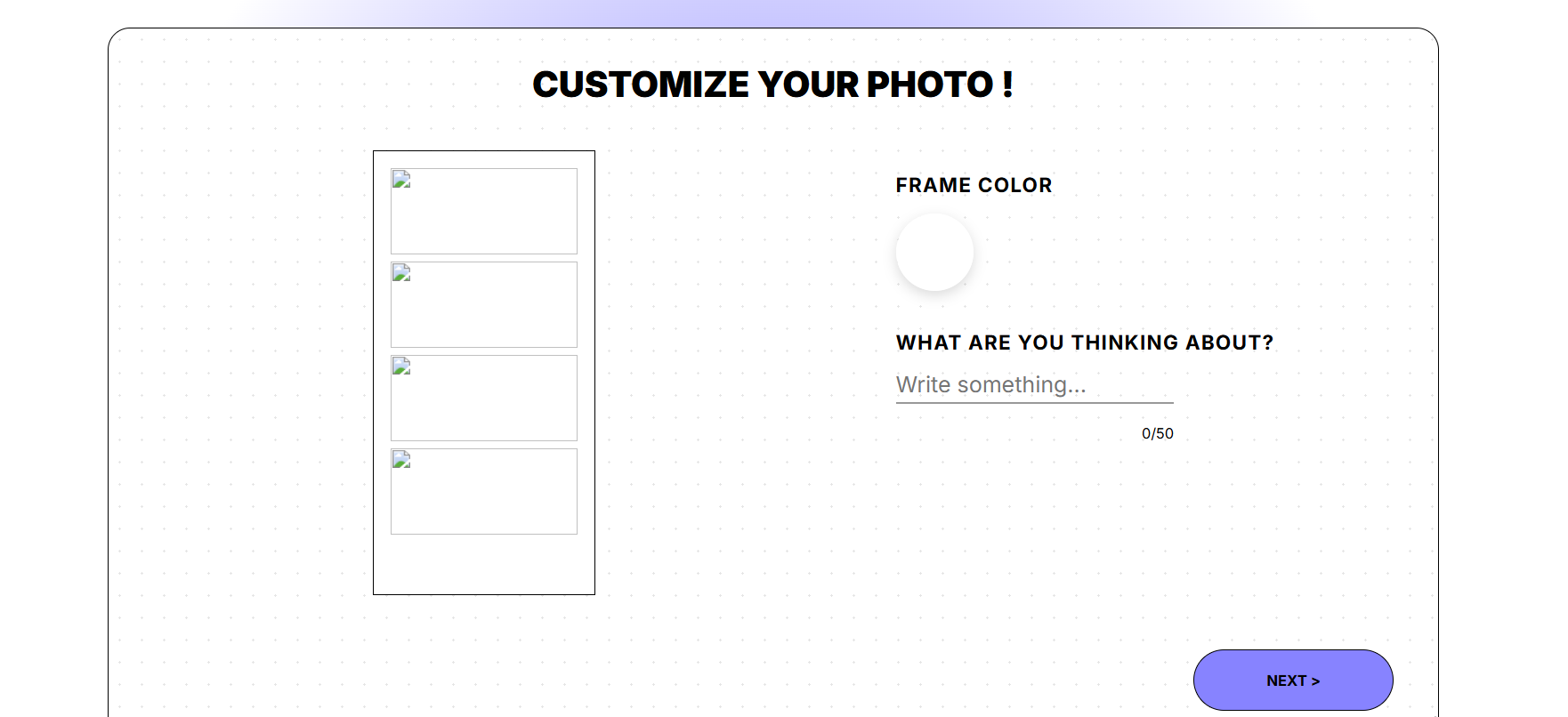
Allows users to customize their captured photos using frames, stickers, and other visual elements.
Gives users control over the position of the photo so the final composition can be adjusted.
The final photo can be prepared for download through a QR-based sharing flow.
The project also includes a direct printing function for the finished photo.
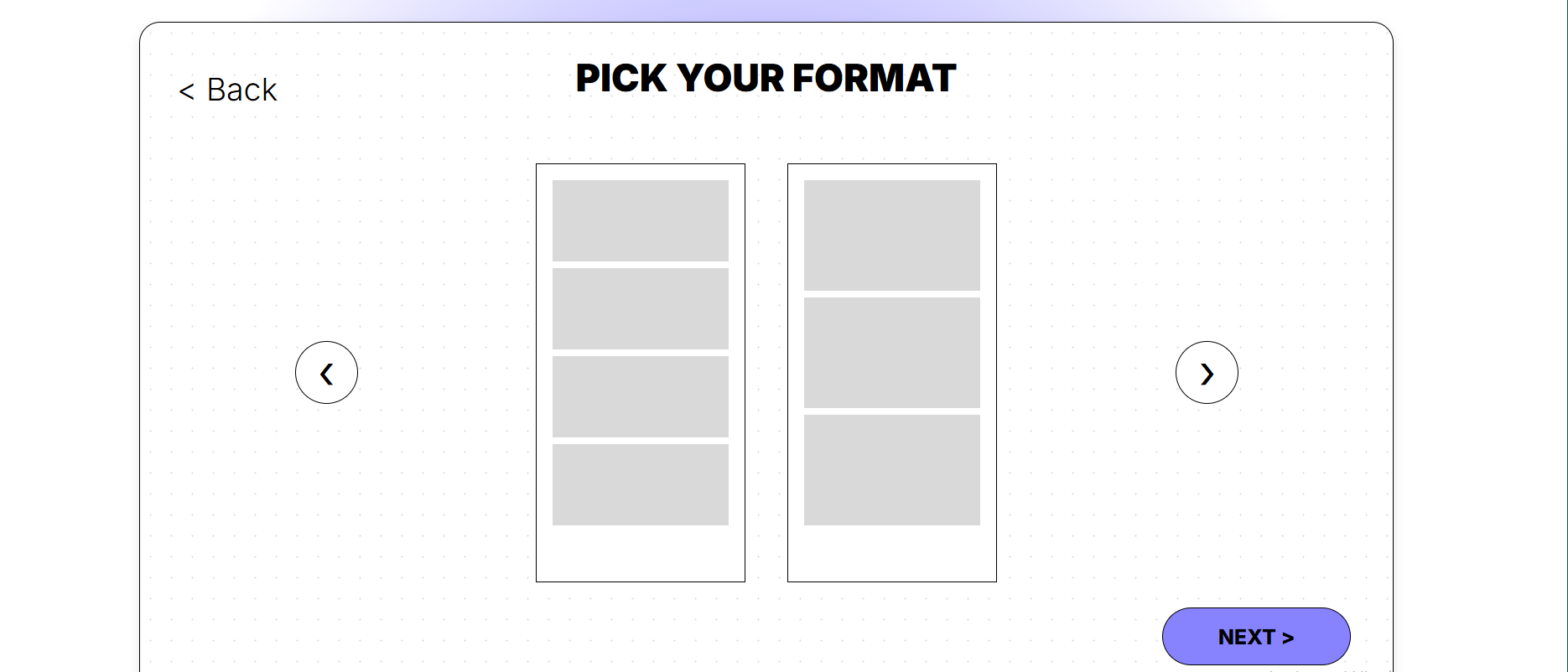
A closer look at the different stages of the photobooth interface.
My main contribution was developing the web application and connecting the different stages of the photobooth experience into one flow.
I worked on the camera capture process, photo handling, customization interface, and other interactive parts of the website.
The project required solving several practical problems, especially around handling captured images and making the editing process work smoothly inside the browser.
I also explored ways to make the final result easier to share and prepare for printing.
The user starts by accessing the laptop camera and taking a photo through the website.
The captured photo can then be adjusted and customized using the available editing elements.
The finished result can be prepared for sharing through the QR-based download process.
The final composition can also be prepared for direct printing from the project.
FinalShotCam helped me understand how different web features can be connected into a single user experience. From camera access and image manipulation to customization, sharing, and printing, the project gave me practical experience in building an interactive web application from start to finish.